Per-layer Shadow
Added in v1.3.52Shadow is configured independently on each layer. Its appearance is local to that layer, while React to Scene Light optionally connects it to Dynamic Shadows.
Per-layer Shadow
Shadow is a separate per-layer control and does not use one of the 8 local effect slots. The reference below uses fixed 1:1 crops of each control so values can be compared quickly.
| Control | Range / options | Example A | Example B |
|---|---|---|---|
| Enable Shadow | Off · On | 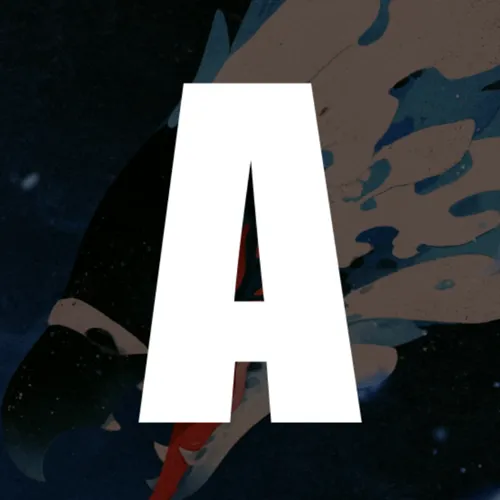 | 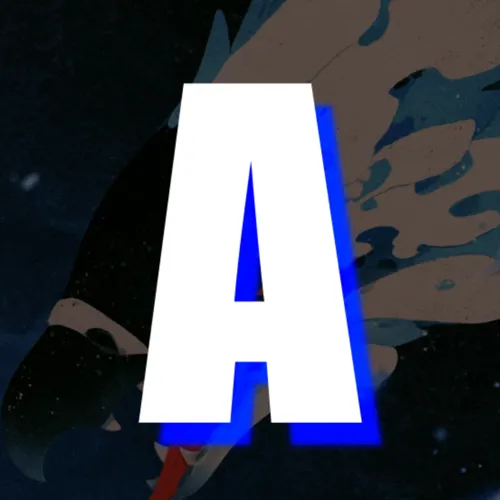 |
| Angle | 0° → 360° | 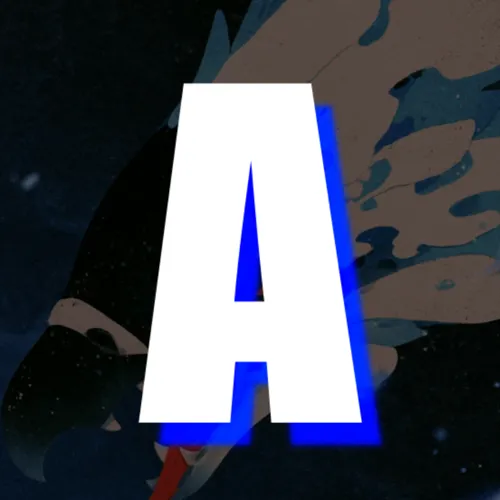 | 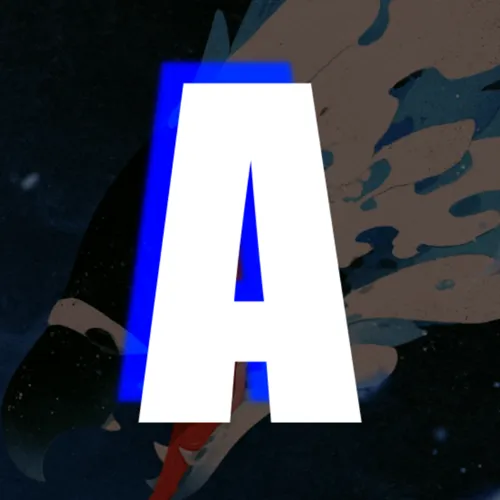 |
| Distance | 0 → 15% | 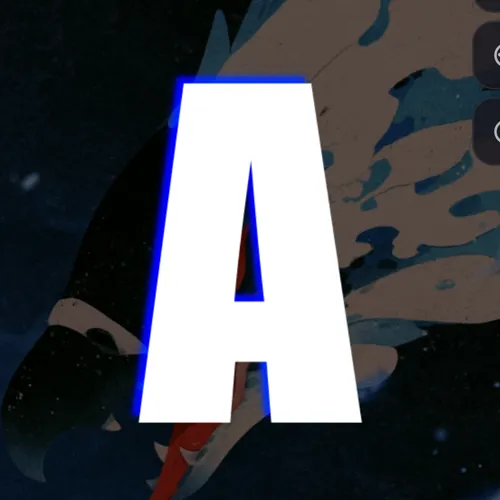 | 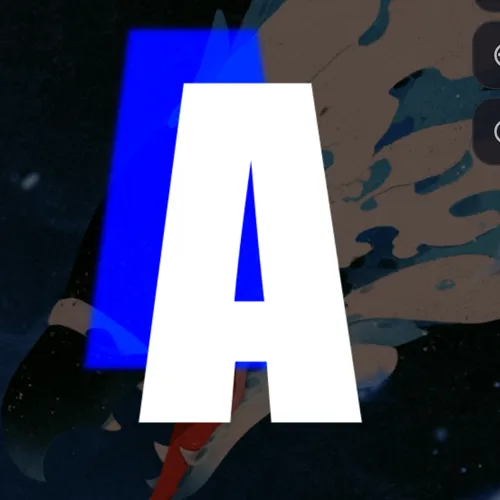 |
| Softness | 0 → 100% | 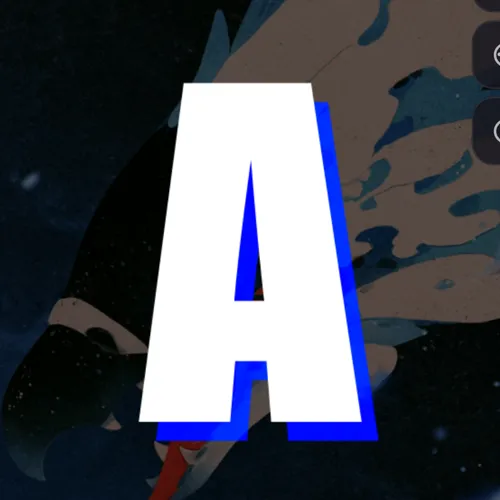 | 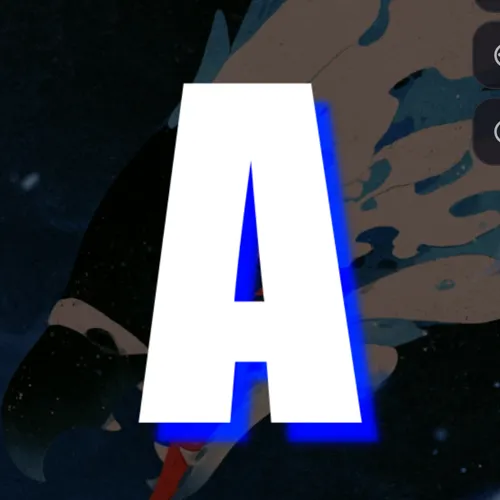 |
| Style | Smooth · Stepped | 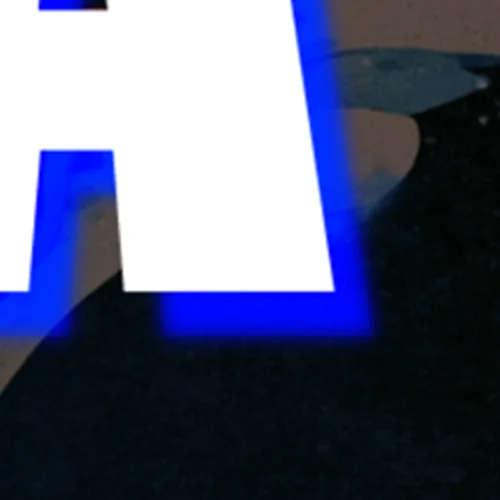 | 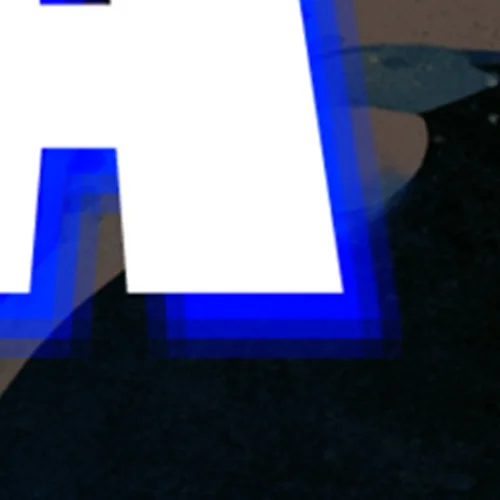 |
| Opacity | 0 → 100% | 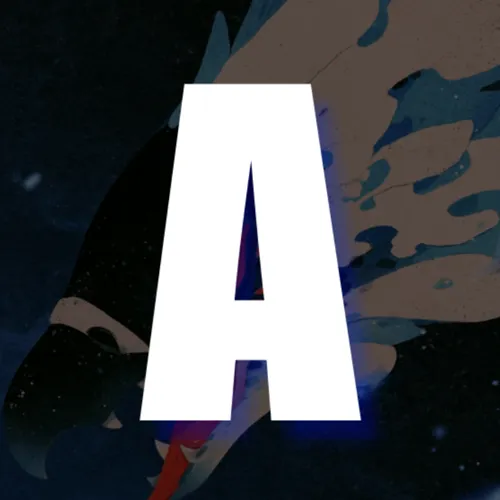 | 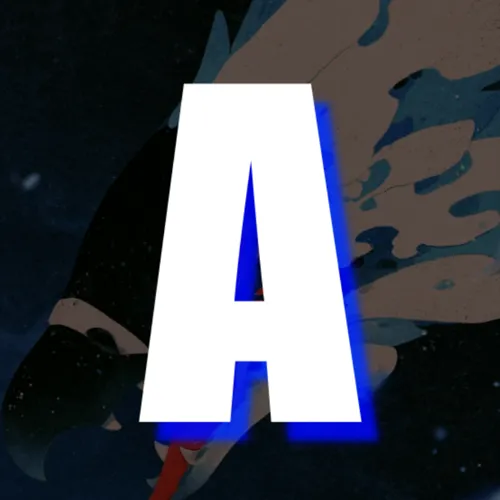 |
| Color | Color picker / HEX | 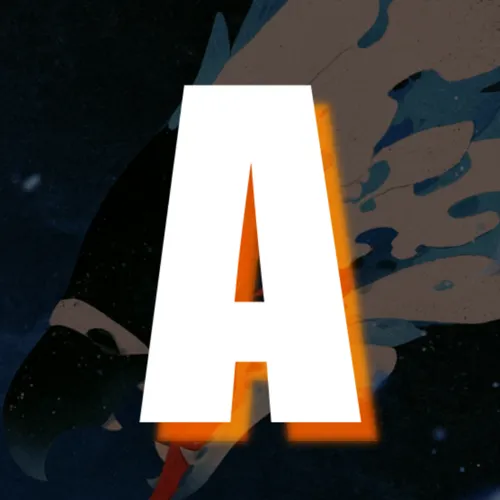 | 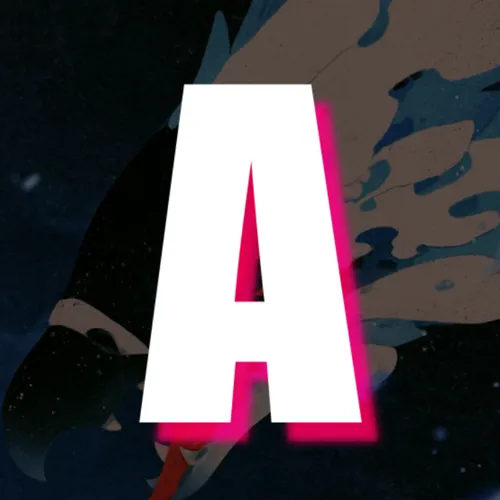 |
| Blend | Normal · Additive · Multiply · Screen · Overlay · Soft Light · Hard Light · Color Dodge · Color Burn · Difference · Exclusion · Negative | 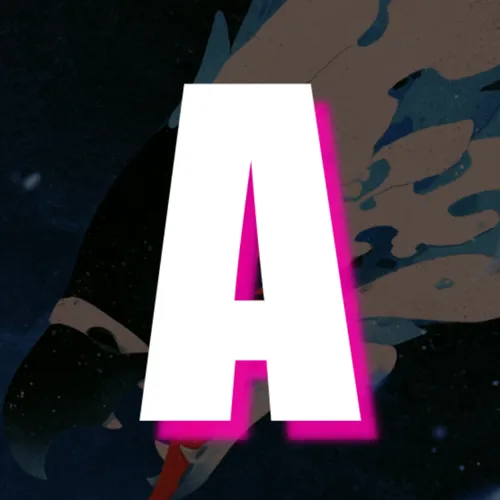 | 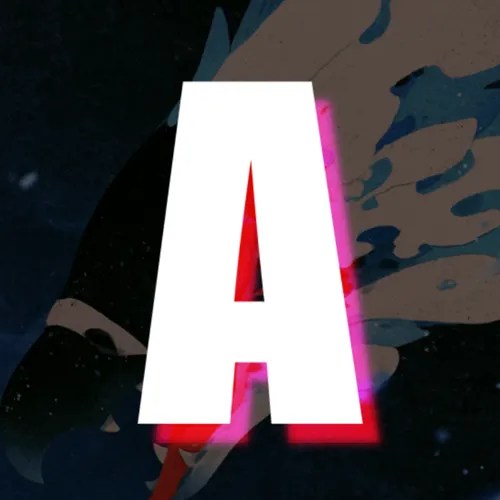 |
React to Scene Light is configured separately from these visual comparisons. It connects the enabled layer shadow to the scene-level Dynamic Shadows controller.