Official documentation · Advanced Editor · 3D Scene Creator
Layer Effects
Added in v1.3.52
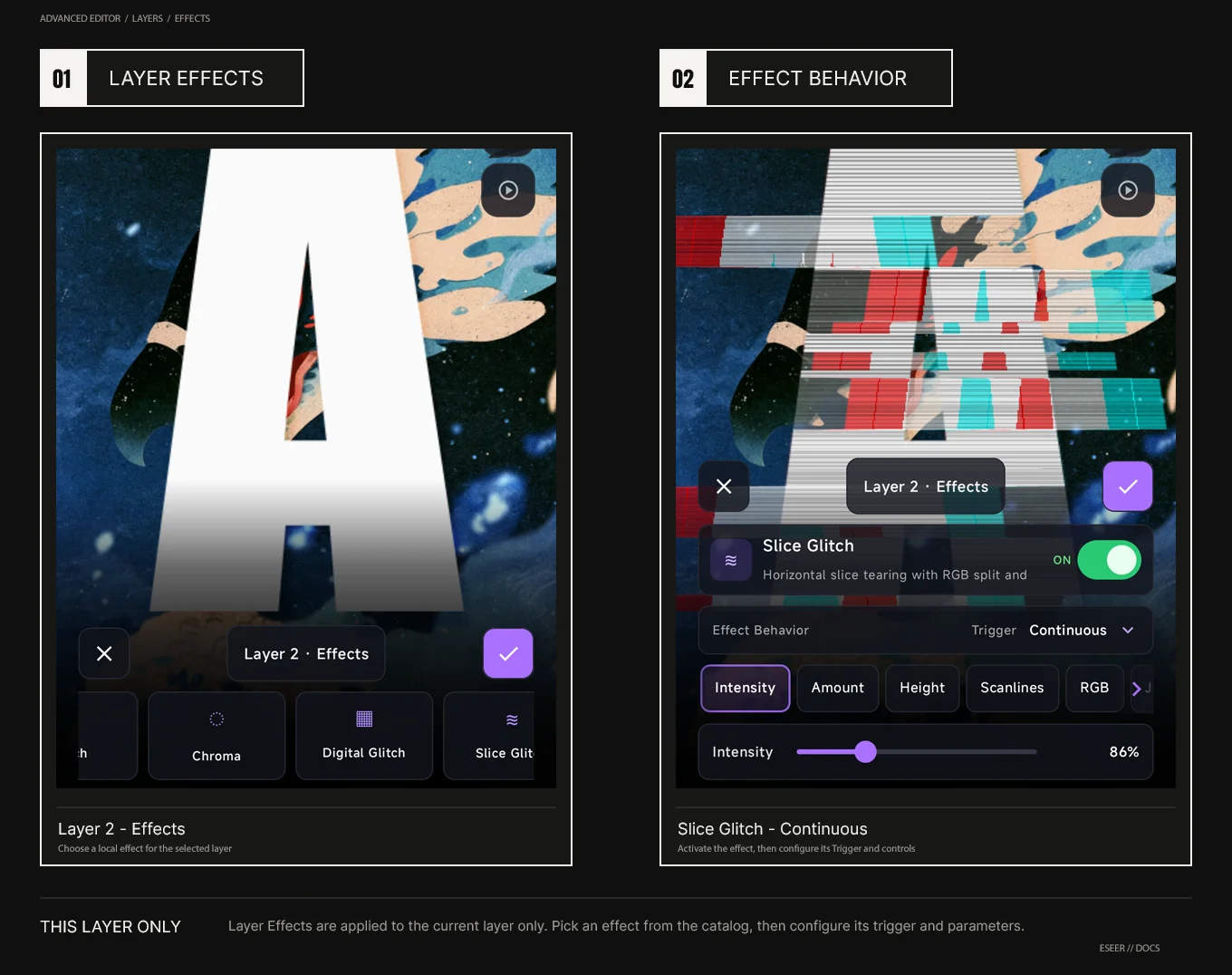
Layer Effects apply to one selected layer. They can run continuously or react to Gyroscope or Finger motion, and their visual settings can be reused by Intro Effects.
Effects on one layer
Effects in Advanced → Layers target the selected layer only. Each Layer Effect can run continuously or react to motion. The same effect settings can also be reused in Advanced Intro.
Layer Effects apply only to the selected layer. The Effects card shows the active local-effect count.
0 → 300% for regular Layer Effects; overdrive above 100% is intentionally supported
Continuous
Effect runs continuously at the saved intensity
Gyroscope motion
Effect strength is driven by gyro motion
Finger motion
Effect strength is driven by drag/finger motion
Edges
Focuses corruption/distortion around image edges for Glitch, Digital Glitch and Slice Glitch
Scanline Blend
Multiply · Normal · Screen · Overlay · Add
Same layer and effect, switching Continuous → Gyroscope motion → Finger motion without changing the visual parameters.
Effect limit per layer
Each layer can use up to 8 local effect slots shared between regular Layer Effects and Intro Effects. Motion Blur is handled separately and does not use one of these 8 slots.