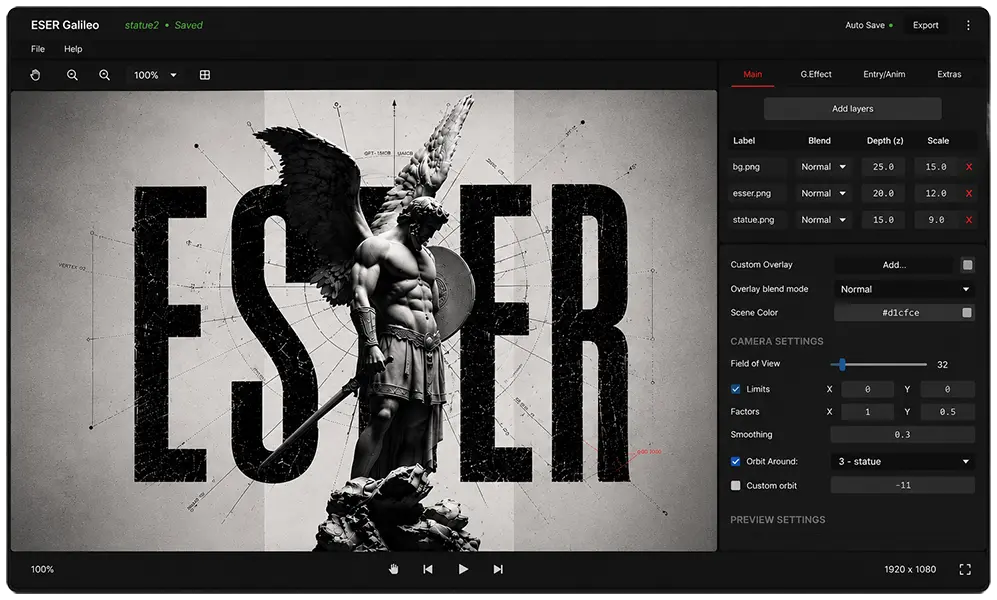
Import Layers
Add images and videos as layers and build your scene.
// Creator
Build immersive 3D live wallpapers on Android, or unlock advanced workflows with the desktop creator.
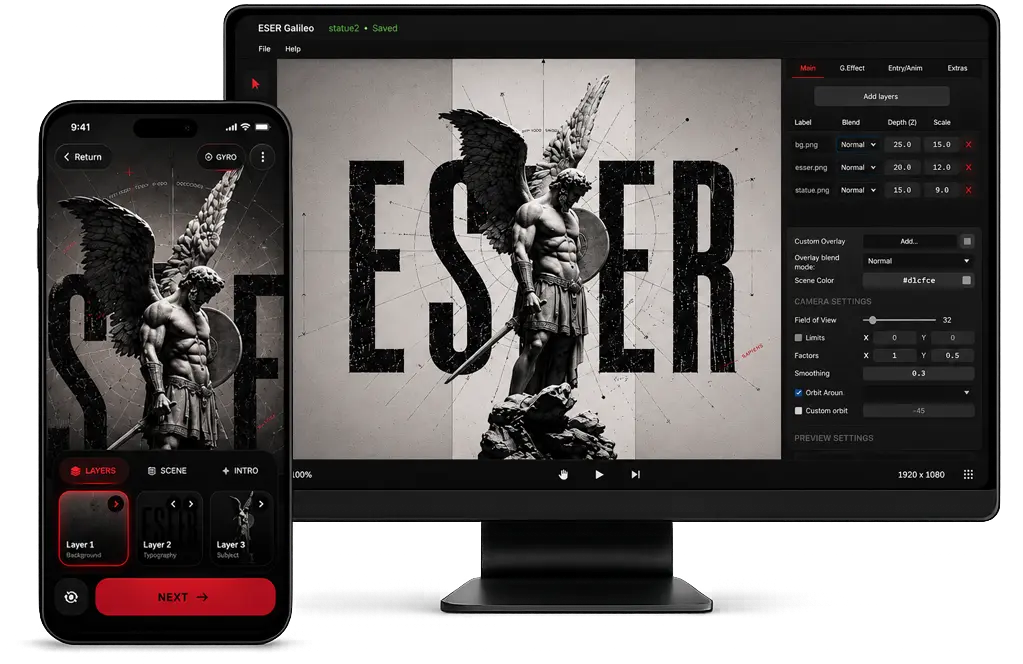
Start simple. Go further.
01 // Mobile Creator
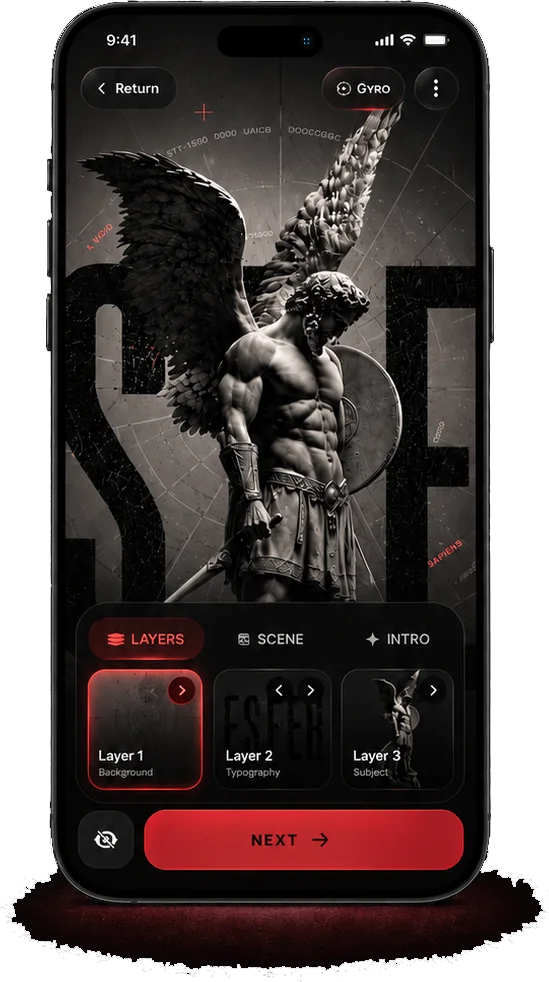
The ESEER mobile creator gives you everything you need to build stunning 3D live wallpapers in minutes.
New to the workflow? Start with the creator tutorials.
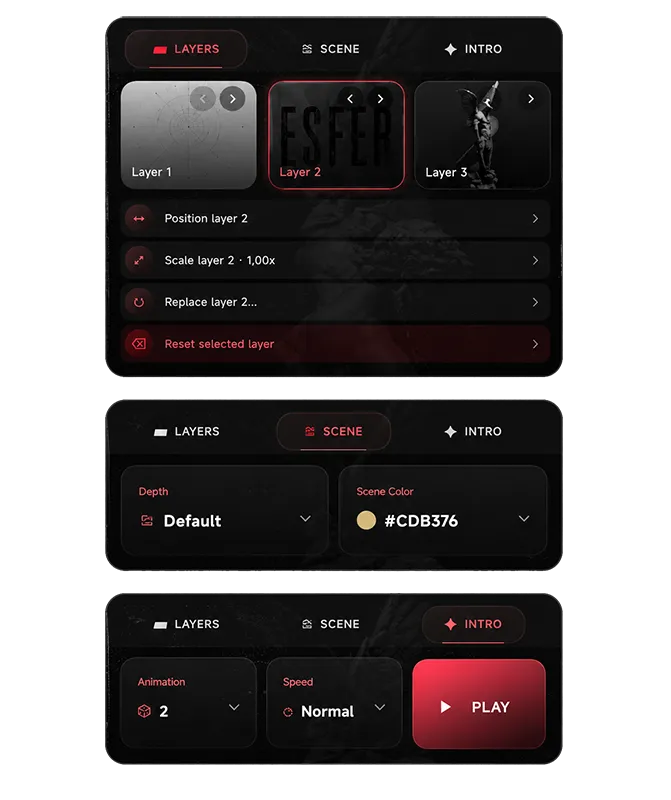
Add images and videos as layers and build your scene.
Fine tune depth and parallax for realistic dimension.
Bring your scene to life with smooth intro motion.
See your wallpaper in real time as you create.
Quick start
Open the Creator in the Android app or the desktop editor.
Import JPG, PNG, or WEBP images. Use PNG or WEBP when you need transparency.
Tweak position, layer order, depth, and animation until the scene feels right.
Export a shareable .es file and send it to friends.
02 // Desktop Creator
The ESEER Desktop Creator gives you full control with advanced tools and an expandable workflow for creators who want total precision.
Download Desktop CreatorAvailable for Windows
Need help importing or sharing projects? Read the support notes.