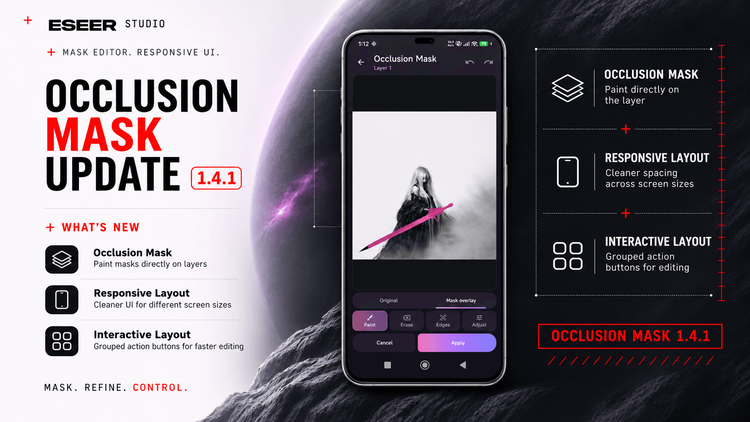
With ESEER 1.4.0, I focused on making wallpaper creation easier, particularly with the introduction of Smart Cutout.
For 1.4.1, the focus shifts toward what happens after the layers are created.
This update introduces new tools for responsive layouts, realistic layer occlusion and advanced color grading, alongside several improvements to the Creator.
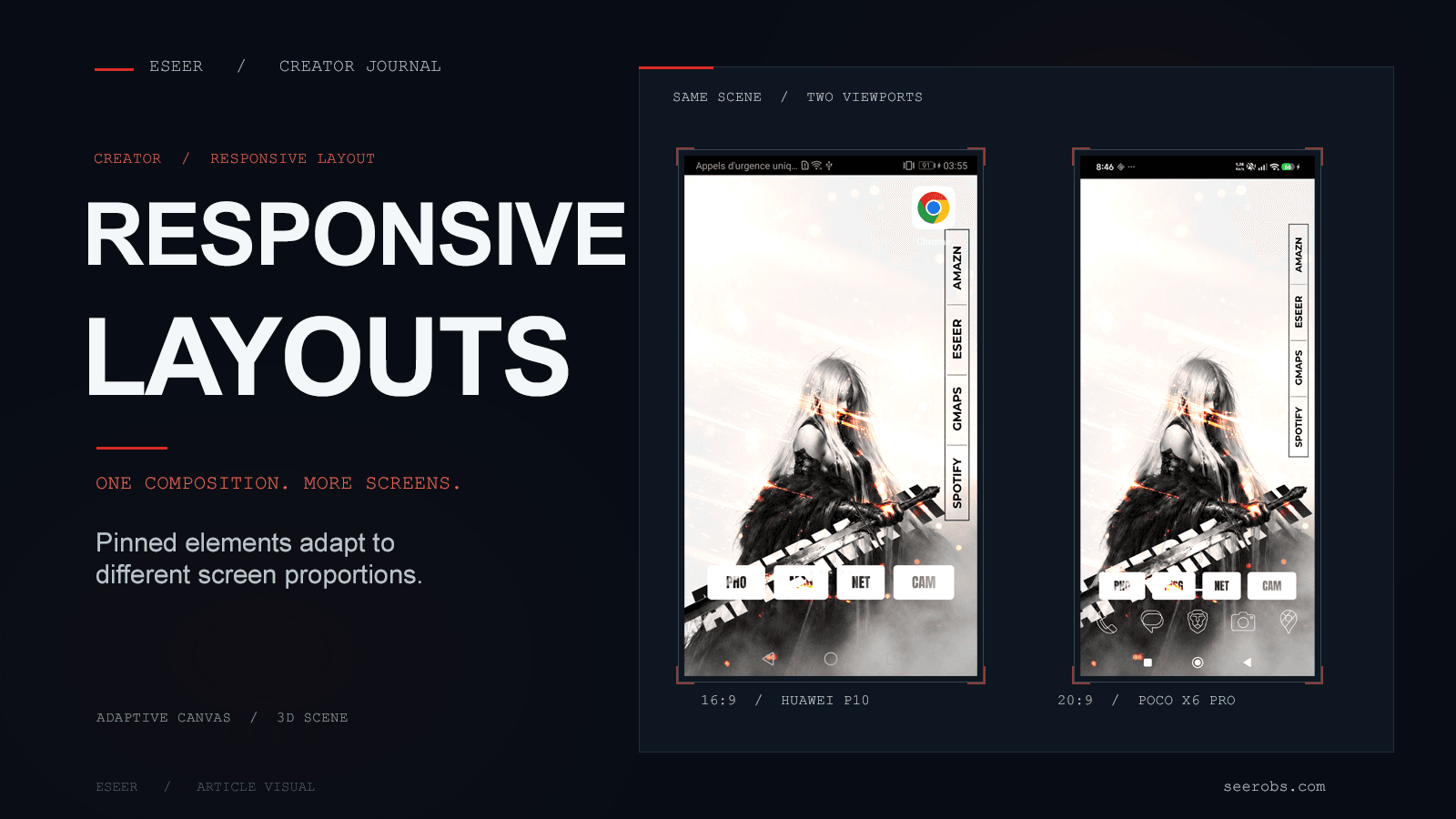
Responsive Layout: One Scene, Different Screens
Creating a wallpaper that looks good on one phone is relatively straightforward. Making sure it looks right on devices with different screen proportions is another challenge.
This is especially noticeable with Pinned Layers, which remain visually attached to the screen instead of following the 3D perspective.
The new automatic Responsive Layout system helps these elements adapt to different screen formats while keeping their intended arrangement.
The Creator also includes viewport previews, making it easier to check the result before exporting.
Occlusion Mask: Better Depth, Better Layer Interaction
One of the most interesting additions is Painted Occlusion Mask.
Instead of relying entirely on transparent images or clipping masks, you can now paint directly onto a layer to define areas that should hide other elements.
For example, an object moving behind a character can now remain properly hidden, even as the scene moves with the gyroscope.
The editor includes painting, erasing, edge refinement, feathering and controls for selecting which eligible layers are affected.
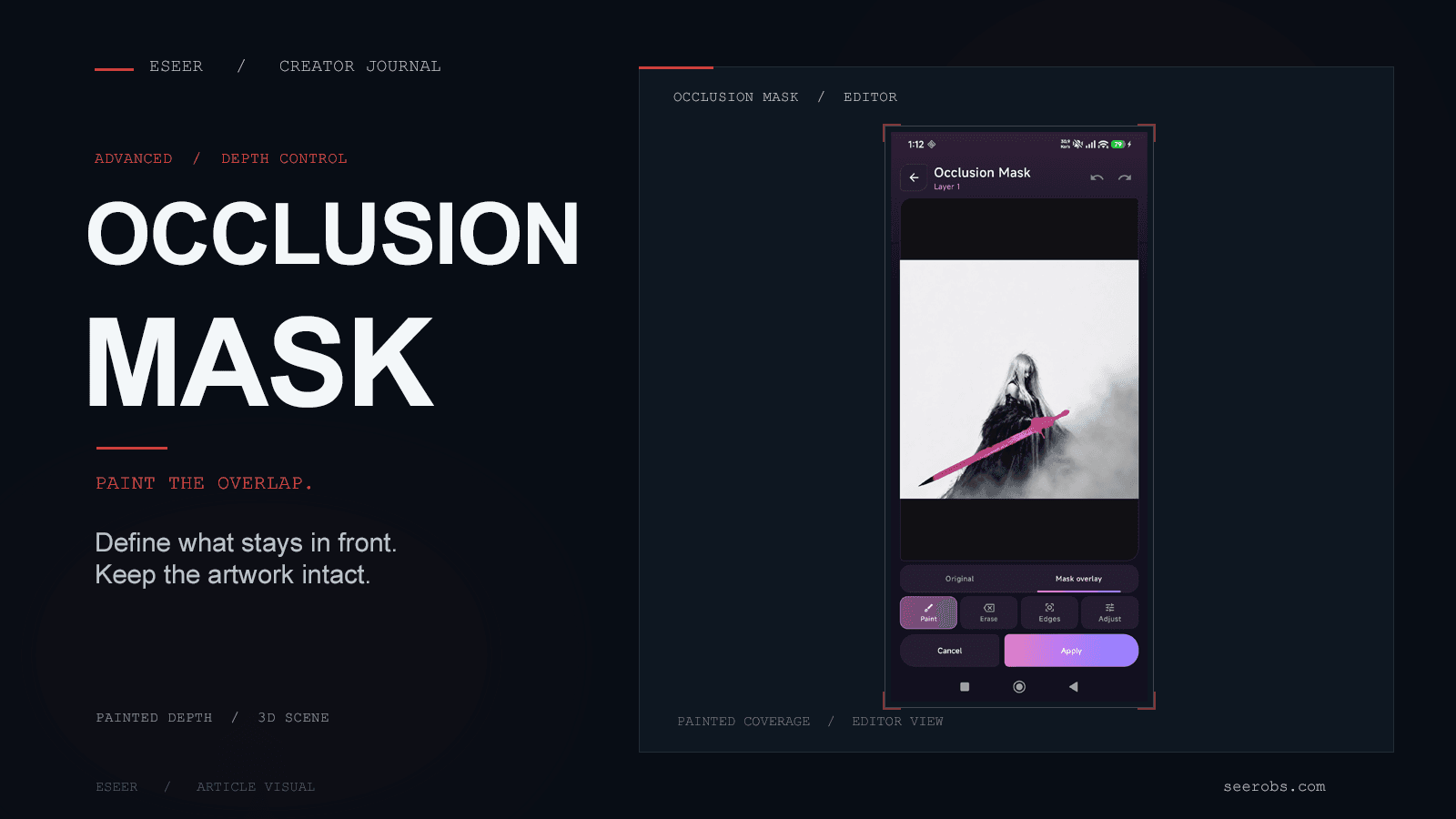
The mask is non-destructive and becomes part of the exported wallpaper.
Advanced Color & Tone: Give Your Scene a Different Mood
ESEER 1.4.1 also introduces a more complete scene-wide color grading system.
Alongside familiar adjustments such as Exposure, Contrast, Saturation and Temperature, the Creator now includes more advanced tools:
- RGB Curves and Gradient Maps
- Three-Way Color and Selective Color
- Film Fade and Highlight Rolloff
These controls make it possible to create a consistent visual atmosphere without modifying each layer individually.
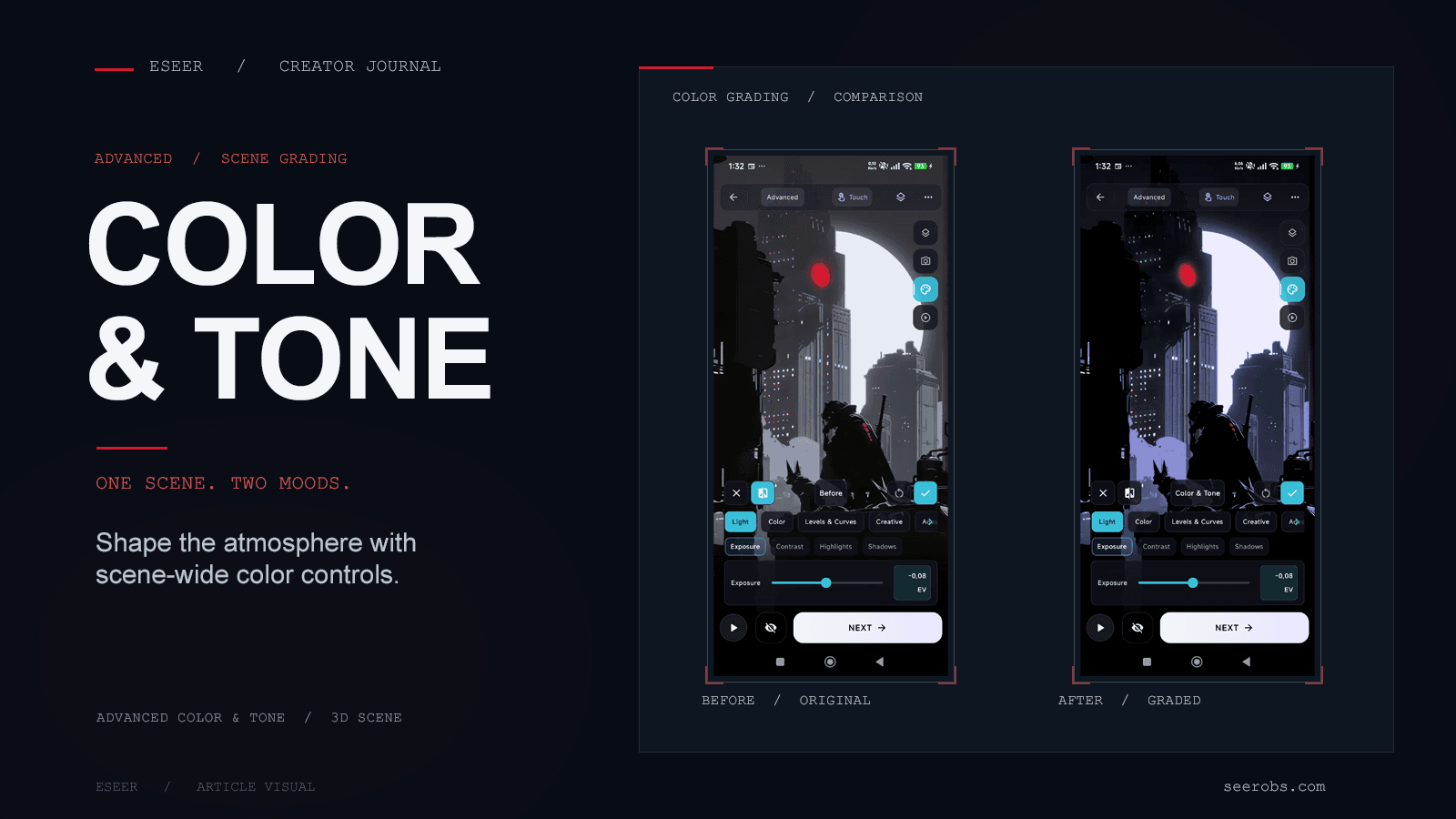
Color & Tone can also be animated during the scene's Intro, allowing the wallpaper to transition gradually into its final appearance.
More Creative Tools
There are a few other additions worth highlighting.
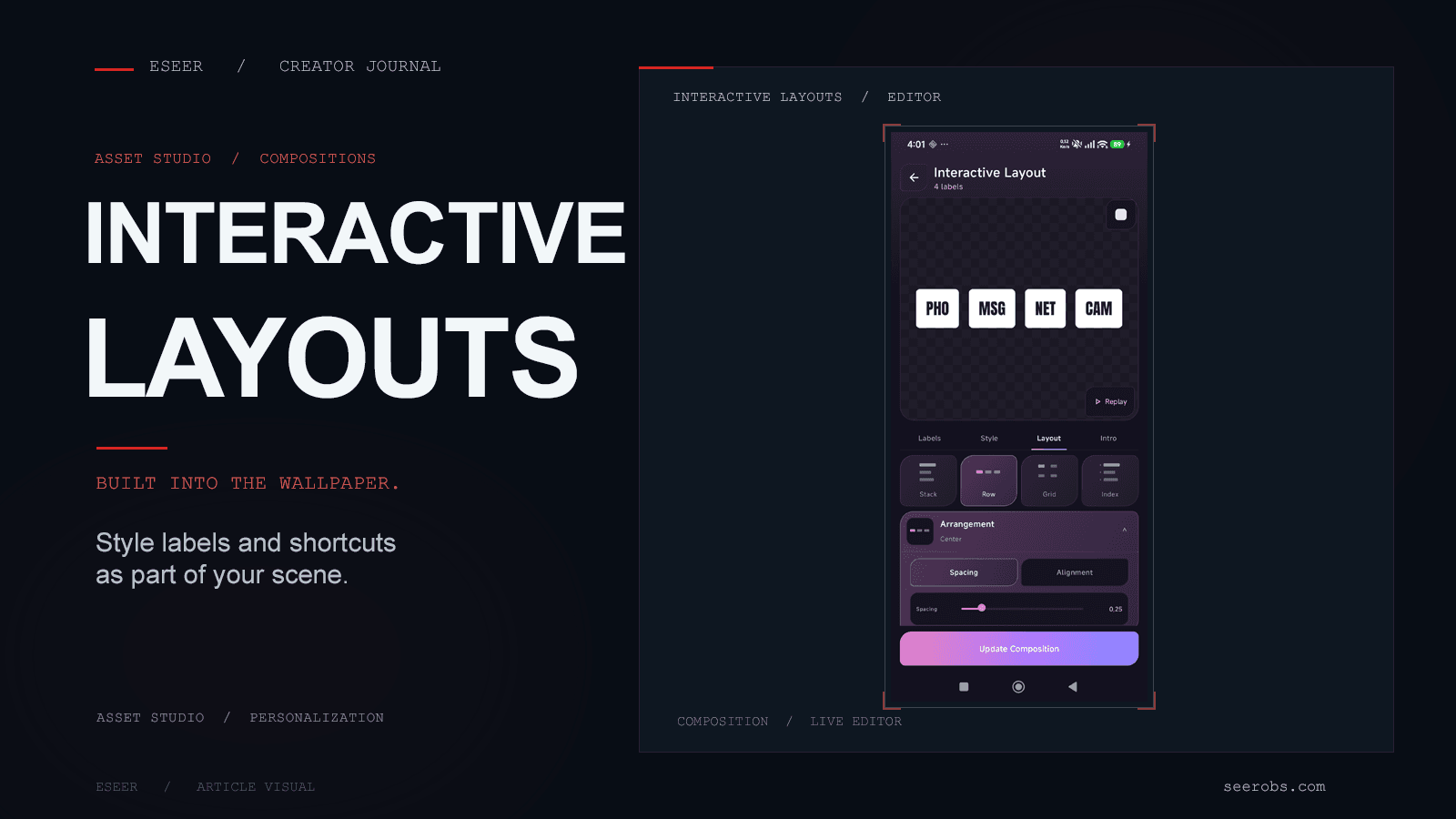
Interactive Layouts have continued to evolve, making it easier to build groups of styled labels, backgrounds and application shortcuts directly into a wallpaper.
A new Color Trail Glow Layer FX can generate glowing motion trails around selected colors. It's particularly effective for emphasizing small details, such as bright eyes in an otherwise monochrome image.
I've also added an optional Status Bar Backdrop to improve readability over bright wallpapers, with several procedural styles.
Smaller Improvements That Matter
Beyond the visual features, this update includes several Creator improvements:
- Editable project import and export through the
.eseerprojformat. - More compact layer cards and drag reordering.
- Finer positioning controls.
- Export optimizations to reduce unnecessary asset size.
- Additional rendering, preview and stability fixes.
These changes are less noticeable individually, but they make a difference when working on more complex scenes.
What's Next?
With Smart Cutout, Responsive Layout, Occlusion Masks and Advanced Color & Tone, the different parts of the Creator are gradually coming together.
The goal remains the same: make it possible to create detailed, interactive Android live wallpapers directly on your phone, without making simple creations unnecessarily complicated.
There's still plenty I want to improve, but 1.4.1 is another step in that direction.
As always, thanks to everyone testing ESEER and sharing feedback.
For more details, explore the documentation for Responsive Layout, Occlusion Mask and Advanced Color & Tone.