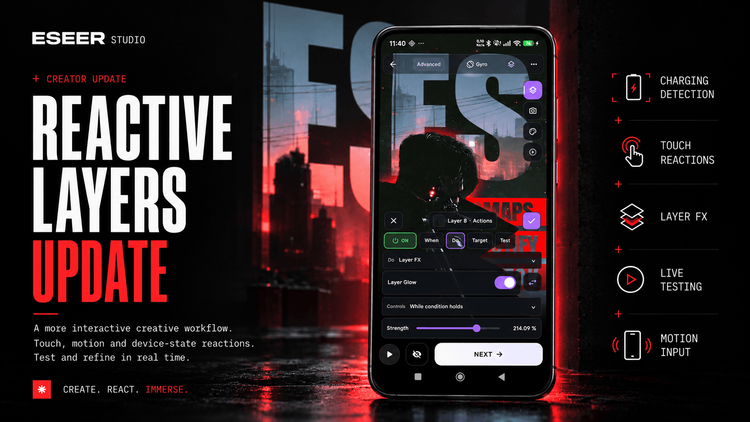
Layers can now respond to much more than a simple tap, opening up new ways to build interactive wallpapers in ESEER.
In my previous article, I introduced Layer Actions, which made it possible to turn individual wallpaper elements into interactive shortcuts.
It was a fairly simple addition, but I wanted to take that idea further.
What if a layer could react not only to touch, but also to what's happening around the device?
That's essentially how Reactive Layers started.
More than just touch interactions
The original Layer Actions were mainly designed around one interaction: tapping a layer to launch an application.
Reactive Layers expands that idea considerably.
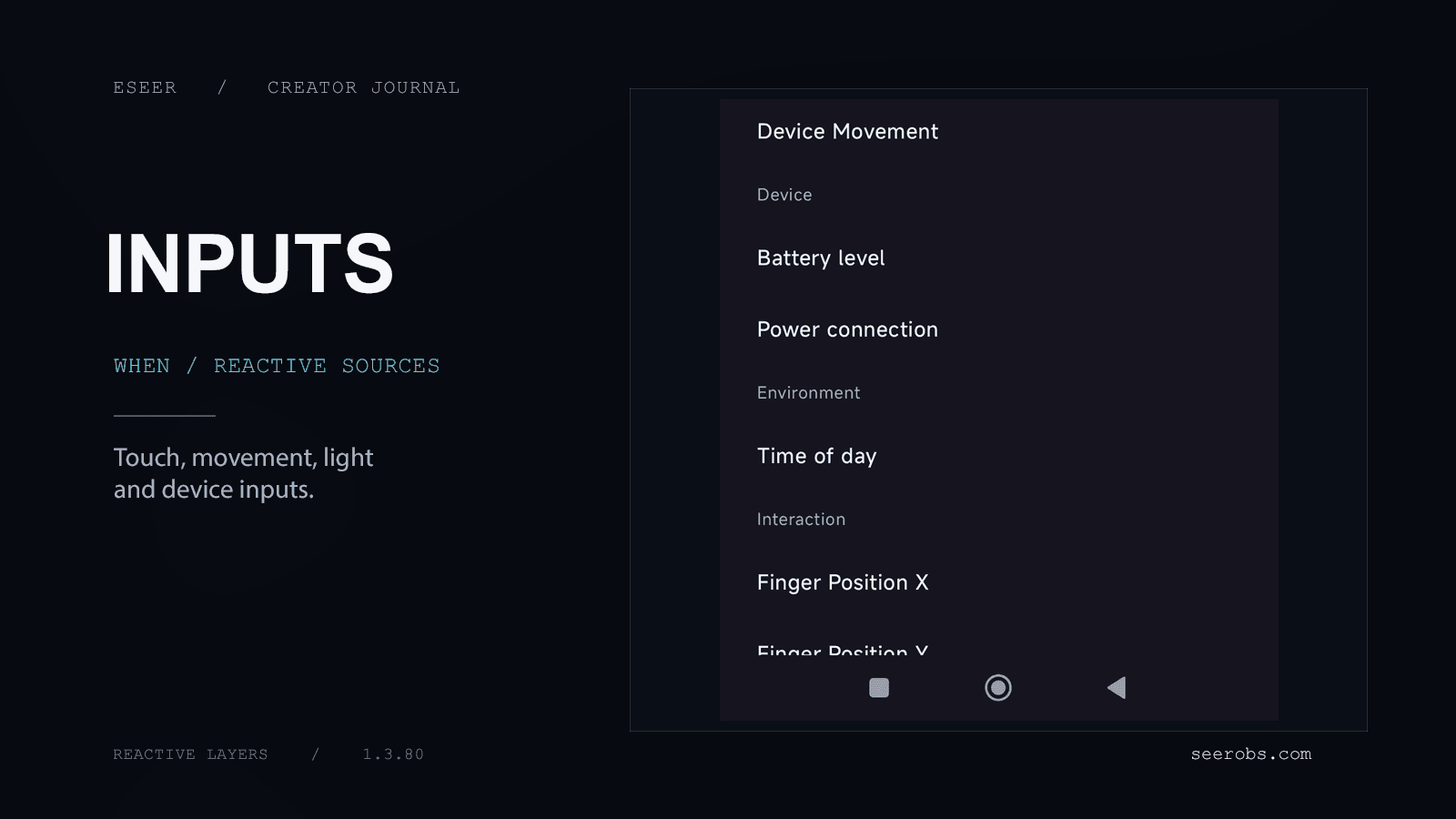
Layers can now respond to different events and values, including battery and charging status, ambient light, device movement, screen wake and unlock events, and more.
For example, you could make an element animate when the phone is shaken, reveal something when a particular condition is met, or change the appearance of a layer depending on the surrounding light.
The important part is that each layer can behave independently. You don’t have to make the entire wallpaper react in the same way.
Not every reaction has to be an animation
One of the additions I find most interesting is continuous reactions.
An event can trigger an animation once, but a changing value can also influence a layer continuously.
That means something like ambient light or device movement can gradually change a layer’s position, rotation, opacity, scale or compatible effect parameters.
Imagine a scene with a holographic element that becomes more illuminated as the environment gets darker. Or an interface where individual elements become more active as the device moves.
These are relatively small changes on their own, but they can make a wallpaper feel much more responsive without constantly playing animations.
Making existing Layer FX more useful
I also wanted Reactive Layers to work with the systems already available in the Creator.
Rather than adding a completely separate collection of reactive effects, the new system can control existing animations, layer properties and compatible Layer FX.
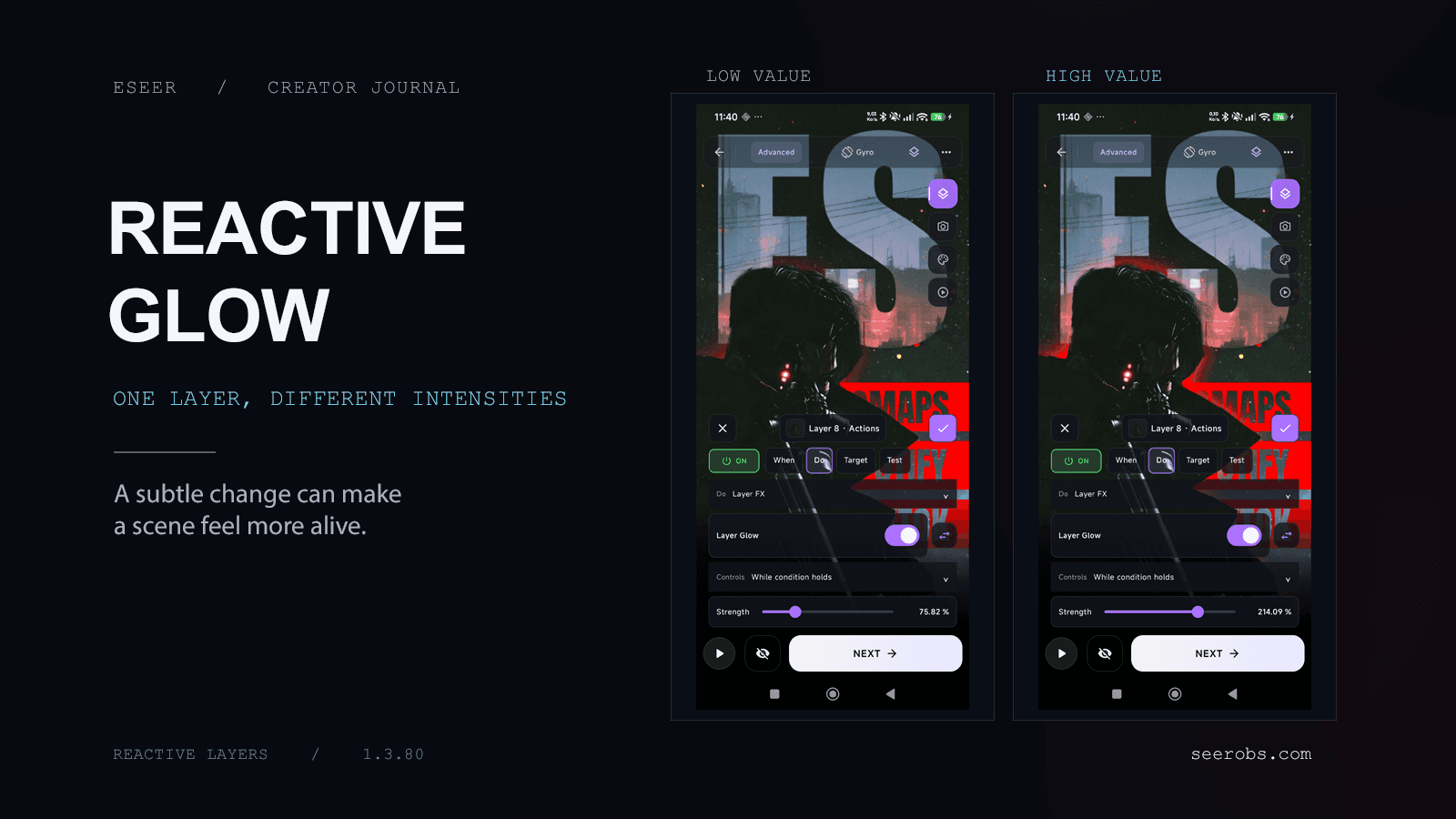
The new Layer Glow is a good example. It adds a configurable halo around an individual layer, with controls for its appearance and blending. Combined with Reactive Layers, its intensity can change in response to an input instead of remaining fixed.
Animations such as Bounce, Shake, Spin and Wiggle can also be triggered by different events. And the original application shortcuts are still there.
So a layer can be part of the visual composition while also having its own interactive behavior.
Testing reactions without leaving the Creator
Of course, adding more possible inputs also makes the editor more complicated.
I spent some time reorganizing the Actions interface to keep the most common operations accessible.
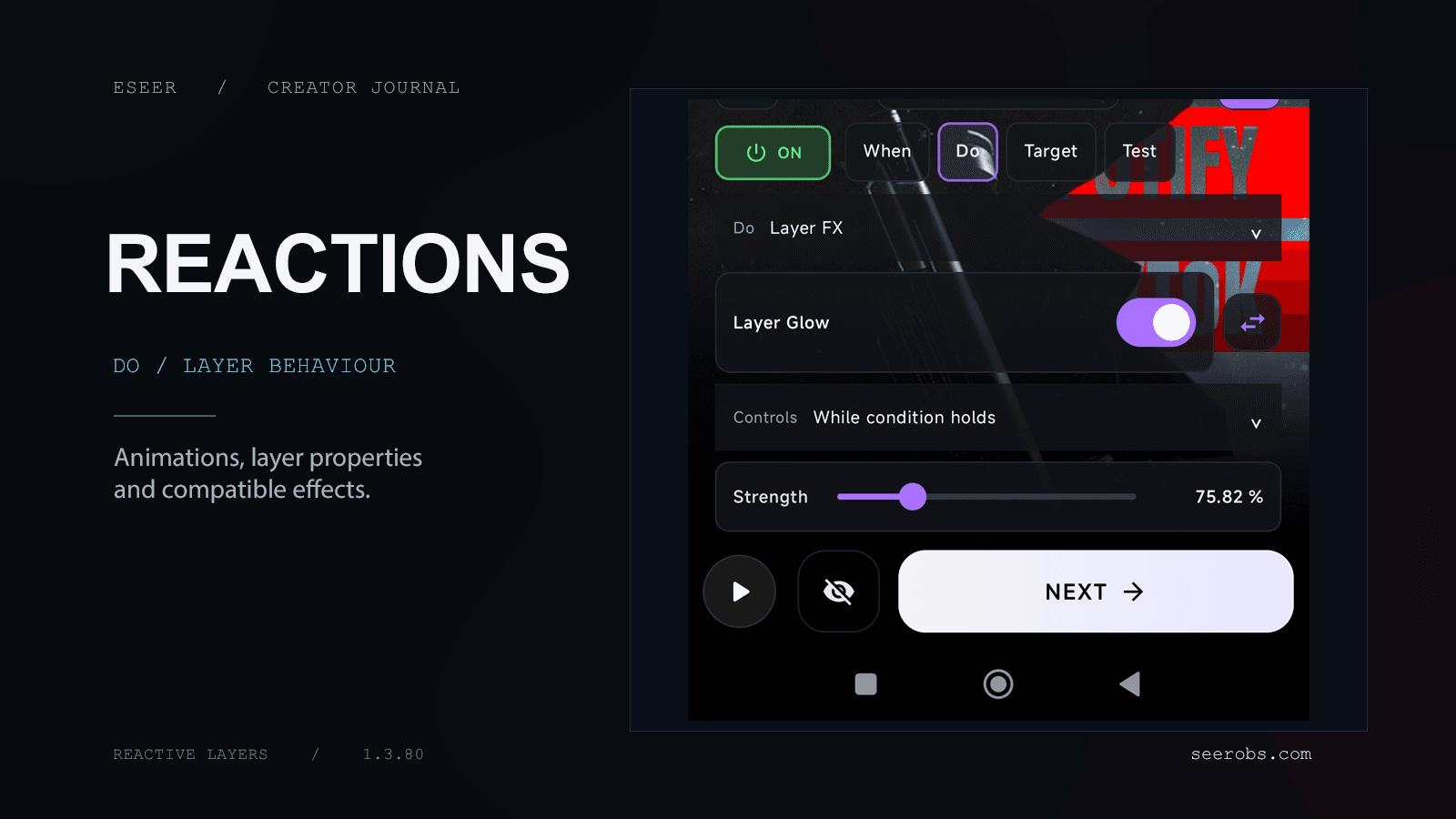
The general idea is straightforward: choose WHEN a reaction should happen, decide WHAT it should do, and choose the layer that should respond.
More detailed configuration is still available for people who want finer control.
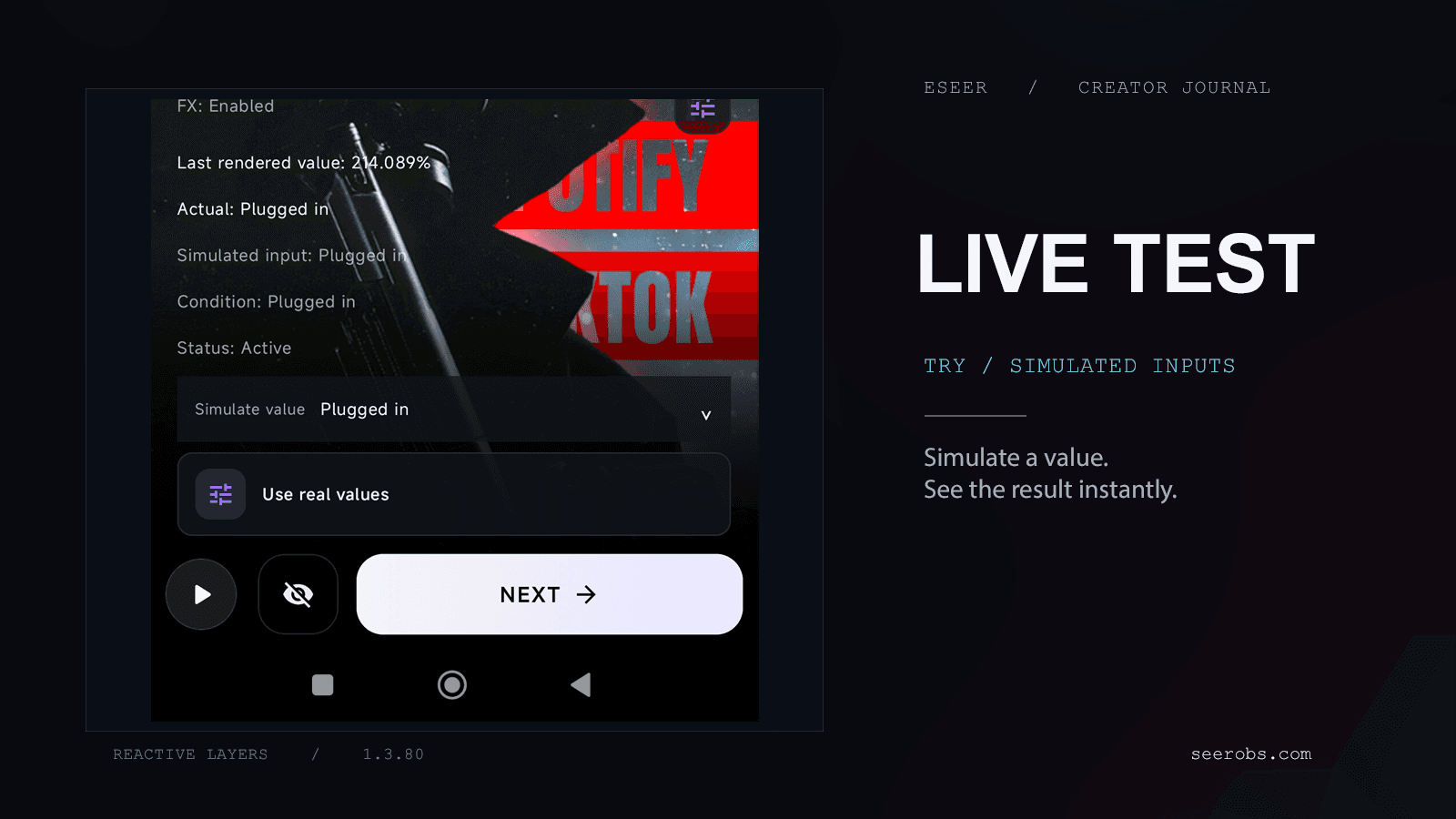
There’s also a way to simulate reactions directly in the Creator. This is especially useful for values that aren’t convenient to change while editing, such as ambient light or battery status.
Instead of repeatedly applying a wallpaper to see whether something works, you can adjust a value and immediately preview the result.
Another step toward more interactive wallpapers
What I like about this direction is how the different Creator features are starting to connect.
You can create an asset, turn it into a layer, give it its own effects and animations, and now make it respond to specific events or changing values.
That doesn’t mean every wallpaper needs to be interactive. A simple parallax scene can still be exactly what you want.
But for those who enjoy building more elaborate compositions, Reactive Layers adds another set of possibilities without requiring a completely different workflow.
Reactive Layers is available in ESEER 1.3.80, along with new Layer FX options and further improvements to the Creator.
I’m particularly curious to see how creators will combine these systems, especially in ways I haven’t thought of yet.
Want to explore Reactive Layers in more detail? The Reactive Layers documentation covers the available inputs, reaction behaviors, Layer FX bindings, and how to configure and test your own rules.