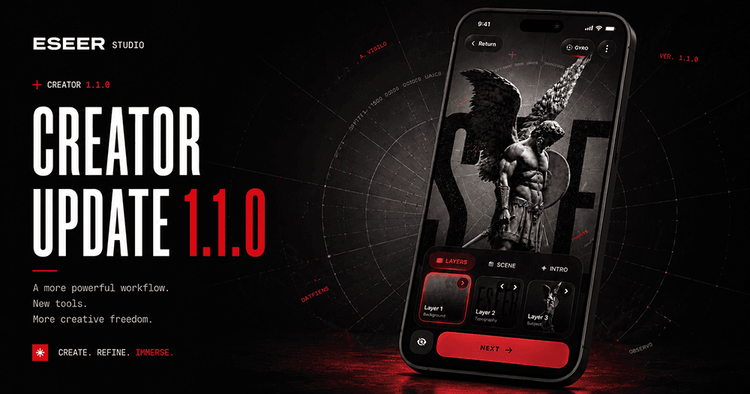
The most requested feature for ESEER is finally here.
With this update, you can now create your own 3D live wallpapers directly inside the Android app.
Until now, custom wallpaper creation was mostly done with the Windows editor. That tool is still useful for a more desktop-style workflow, but the new Creator makes the process much more accessible: import your images, arrange them into layers, preview the motion, choose an intro animation, and save the result as a live wallpaper.
Creator and Designer
The Creator does not replace the Designer. They are two different parts of the workflow.
The Creator is used to build the scene:
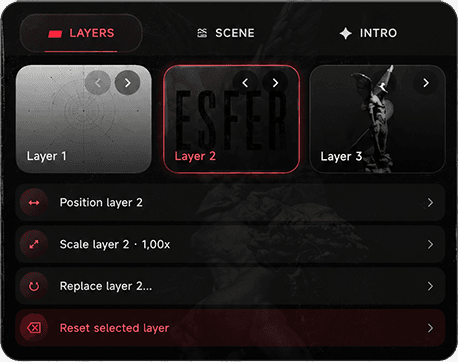
- Import layers
- Adjust scale and position
- Choose the scene depth
- Set the background color
- Preview motion
- Add an intro animation
The Designer is used after that for final customization, including post-processing effects, widgets, and visual tweaks.
So the idea is simple:
Build the wallpaper in Creator. Customize it in Designer.
For example, you can create a scene with your own background, subject, and foreground layers, then open it in Designer to add chromatic aberration, glitch effects, or widgets inside the 3D scene.
Import Your Own Images
The Creator supports common image formats like PNG, WebP, JPG, and JPEG.
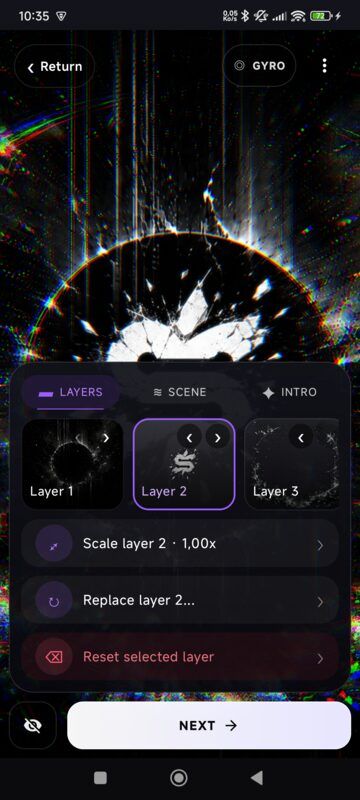
JPG images work well for backgrounds. But for real depth, transparent PNG or WebP layers are usually better. Transparency is the core of a good layered 3D wallpaper.
A simple setup can already work well:
A background image, a subject in the middle, and a few transparent foreground elements.
When you tilt your phone or use touch motion, each layer moves slightly differently, creating the parallax effect.
Live Preview While Editing
The Creator includes a live OpenGL preview, so you can see how the wallpaper reacts while you build it.
You can switch between:
- Gyroscope motion
- Touch motion
- Freeze mode
Freeze mode is useful when you just want to adjust the composition without the scene moving around.
This makes it easier to check if a layer is too large, too close, too far, or moving too much before exporting.
Scene Depth and Background Color
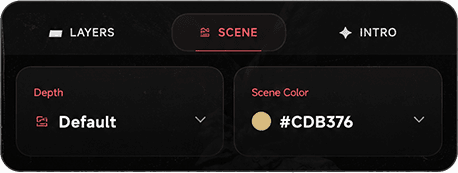
The Scene tab lets you choose a depth preset for the wallpaper.
These presets affect the spacing between layers and the camera feel, including the field of view. In simple terms, they control how strong or subtle the 3D effect feels.
You can also choose the background color of the scene, which is useful when your layers don’t cover the full screen or when you want a cleaner look around transparent assets.
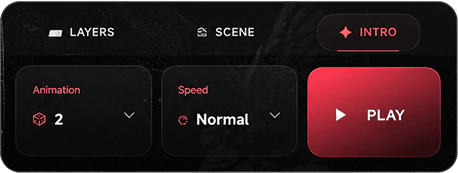
Intro Animations
The Creator also supports intro animations.
These animations play when the home screen becomes visible, so the wallpaper can slide, zoom, or move into place instead of appearing completely static.
You can choose the animation preset and adjust its speed.
Saved Scenes and Export Versions
Your Creator projects are saved in a dedicated area, so you can reopen them later and keep working on them.
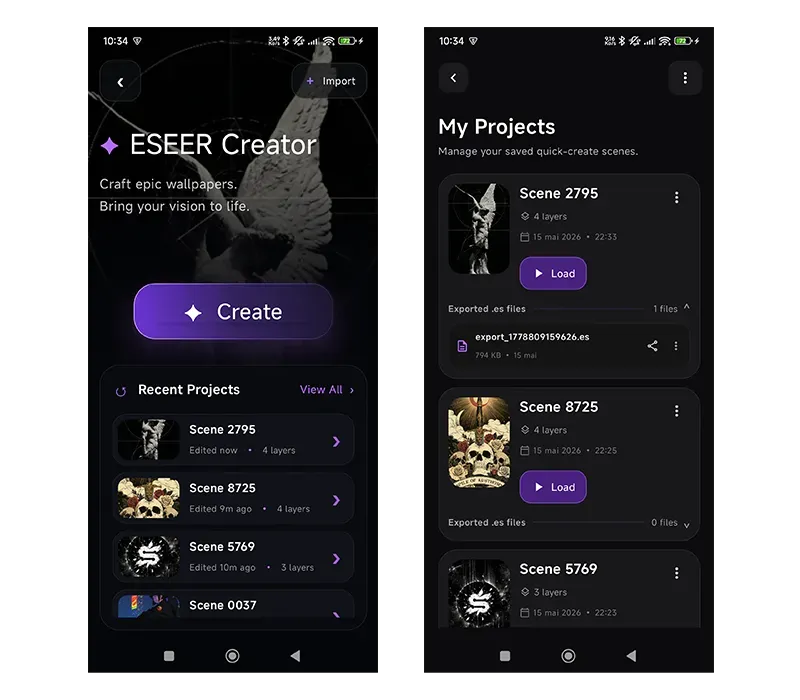
You can also export updated versions of a wallpaper when you make changes. This makes it easier to experiment without losing the original scene.
The import button has also moved into Manage Wallpapers, where custom wallpapers and created scenes are easier to organize.
App Changes and Stability Fixes
The main gallery has been slightly redesigned for this update.
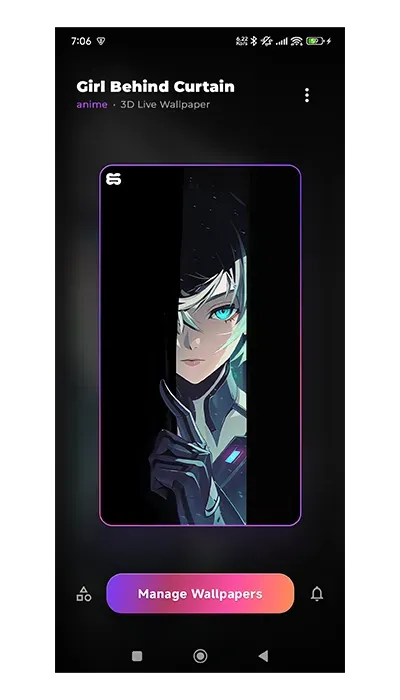
The selected wallpaper title and category are now shown in the top-left corner, and the new Manage Wallpapers button gives a cleaner access point to imported and created wallpapers.
A lot of stability fixes were also added while building the Creator. Most of them are under the hood, but they should make previews, imports, exports, and custom wallpapers more reliable.
What’s Next
The Creator is meant to stay simple by default, but I’d like to add a more advanced mode later.
This could include things like manual depth values, more precise animation coordinates, additional blending modes, and more control over how layers interact visually.
For now, the goal was to bring the main creation workflow directly into the Android app.
You can build the scene in Creator, polish it in Designer, and use it as a real 3D live wallpaper on your home screen.
ESEER is not just a wallpaper gallery anymore. It’s becoming a small tool for creating layered parallax wallpapers directly from your phone.